|
To change a user's password, follow these steps:
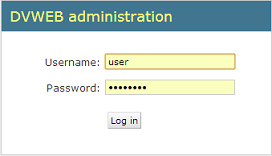
| 1. | Login to the administrator interface (at http://localhost/inndesk/admin). |
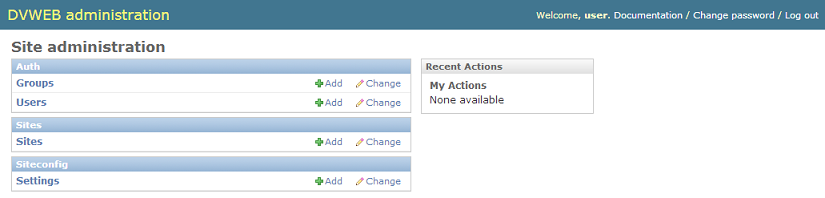
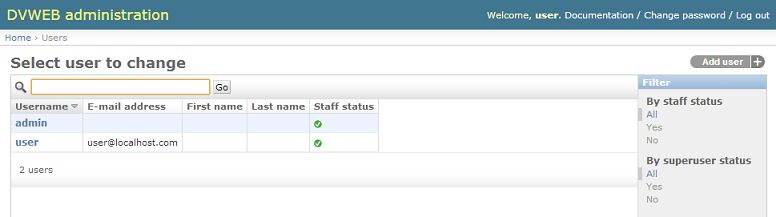
| 3. | Click the user name user to open the page for editing that user. |
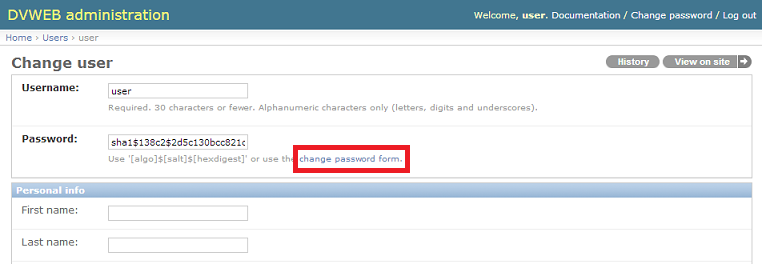
| 4. | Click the change password form link (indicated by a red box in the figure below). |
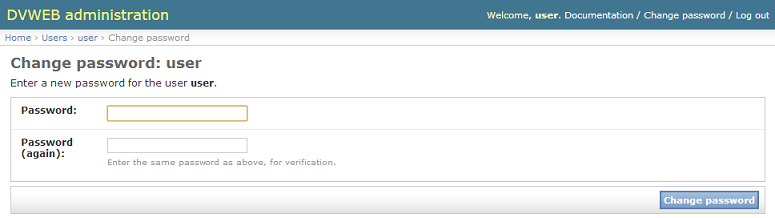
| 5. | Enter your new password in both boxes and click Change password. |
|


